Frequently Asked Questions
Everything you need to know about renting a PrintKit. Can't find your answer? Reach out and we'll help.
General Questions
A DNP DS40 professional photo printer, a protective travel case, power and USB cables, a print catcher tray, and a quick-start guide (also online at printkitnyc.com/quickstart). To print, you'll also need media: add a prepaid media kit when you request dates, or bring your own DS40 media.
4×6 is in stock: $100 for 400 prints. 6×8 ($120 for 200 prints) and 5×7 ($160 for 200 prints) are ordered in for your rental, so request them at least 7 days before pickup; 5×7 is prepaid and non-refundable. 6×8 gives you the same number of prints as 5×7 for $40 less, so pick 5×7 only if the prints are going into standard frames. One size per rental.
Paper and ribbon come together as one media kit, one roll per kit. Add as many kits as you need when you request dates. The first comes loaded and test-printed; swapping in the next takes a few minutes. Used media can't be returned. Bringing your own? Use genuine DNP DS40 media, with paper and ribbon from the same set.
No. The DNP DS40 is a dye-sublimation printer: a heated ribbon transfers color onto the photo paper, then seals it with a clear protective coat. Ribbon and paper come as a matched set and run out together, so there are no cartridges to buy, top up, or clog mid-event. Prints come out dry and ready to hand out.
About 9 seconds for a 4×6, 13 seconds for a 5×7, and 14 seconds for a 6×8. Fast enough to keep a line moving at an event.
No special software, but printing over USB needs DNP's free printer driver, installed before your event (the download link is in the quick-start guide). After that, anything that can print can print to the DS40: photo booth software, tethering, Lightroom. Want to skip the driver? Add the WCMPlus print server ($35/day) and print over Wi-Fi with AirPrint.
A firm table with about 4 inches clear behind the printer for the vent and 10 inches in front for prints to eject, plus a grounded three-prong wall outlet within reach. Skip extension cords and outlets shared with other heavy equipment: the DS40 draws about 4 amps and DNP warns they can overheat. Keep the printer dry and attended while it's on.
The DNP DS40 is 12.7"W × 14.4"D × 6.7"H and weighs about 30 lbs (14 kg). The travel case adds a few inches and pounds, so plan ahead if you're carrying it up stairs or on transit.
Equipment Details
WCMPlus Print Server
AirPrint from Apple Devices
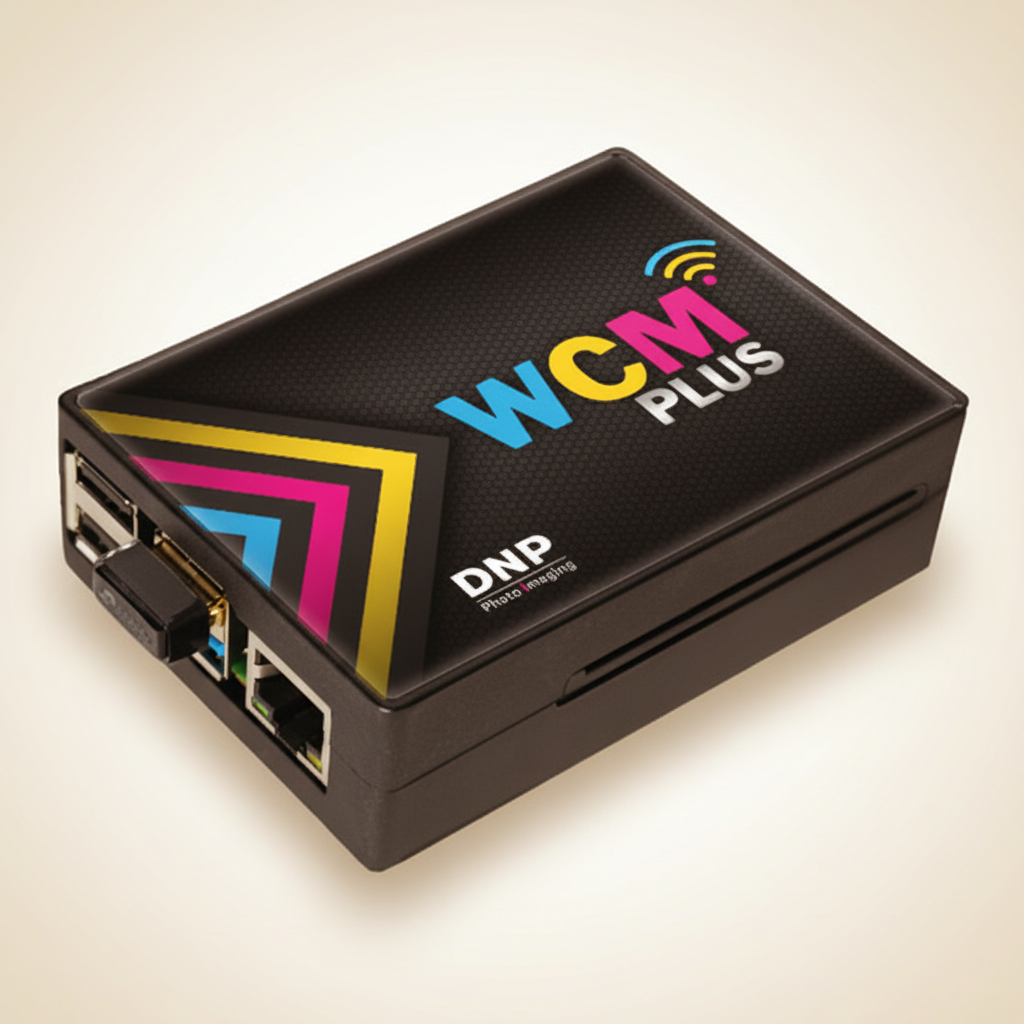
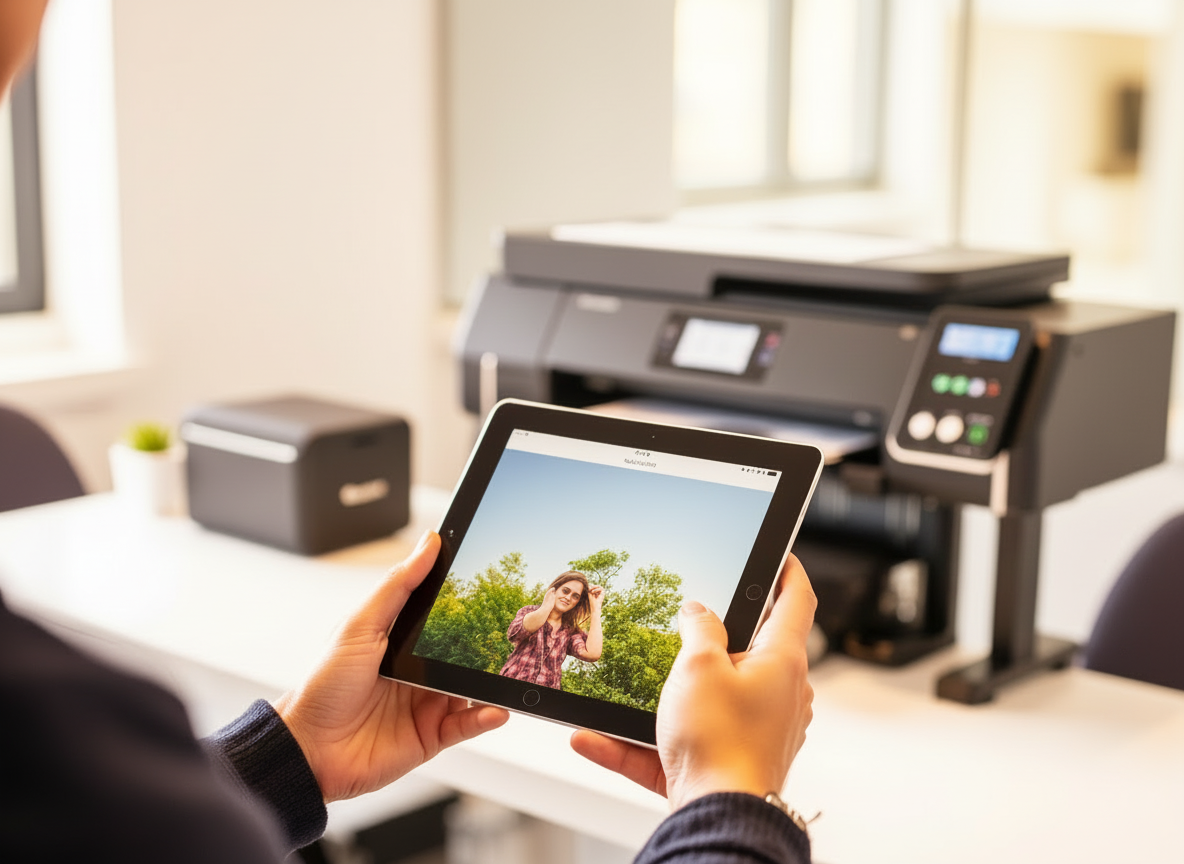
An optional add-on ($35/day) that puts the DS40 on Wi-Fi. iPhones, iPads and Macs can then print wirelessly with AirPrint, with no driver install and no cables. It's the usual choice for iPad photo booths and for setups with more than one device sending prints.
Not always. If you're printing from one laptop over USB and are happy installing a driver, you likely don't need it. It's worth adding if you want to print from an iPad or iPhone, send prints from several devices, or skip the driver install.
Yes, with the WCMPlus Print Server. The DS40 then supports AirPrint, so compatible apps send prints with no drivers or cables. One setup note: iPhones that save photos in HEIC format can produce prints with white edges over AirPrint. Set Settings → Camera → Formats → "Most Compatible" on the device before your event and prints will come out full-bleed.
Yes, if you want them. Each 4×6 sheet holds two 2×6 strips, and the printer cuts them apart whether you print over USB or AirPrint, so one 4×6 kit makes 800 strips. Your photo booth app handles the layout: send a 4×6 image with both strips on it, at a 2:3 aspect ratio (1200 × 1800 pixels at 300 dpi). The WCMPlus isn't required for strips.
Most photo booth apps that support AirPrint or standard printer output will work with the DS40 when paired with WCMPlus. If your app can print via AirPrint or to a network printer, it should be compatible. If you're unsure, email hello@printkitnyc.com before booking.
Policies & Logistics
Pick your dates on the request form at printkitnyc.com/request. Booked dates are greyed out, and the calendar covers about the next three months. For dates further out, email hello@printkitnyc.com. We confirm availability within 1–2 business days.
Pickup-only keeps pricing fair and flexible. Skipping delivery windows and logistics means lower daily rates and simpler scheduling, and since most renters are setting up their own workflow, pickup keeps things fast.
Pickup is in Clinton Hill, Brooklyn. Evenings and weekends are preferred. The exact address is shared after the rental agreement is signed and payment is received.
Every calendar date the printer is out counts as a day, including pickup day and return day. Friday pickup with Sunday return is 3 days; Friday to Monday is 4. The printer is reserved for you on both of those dates, so it can't go to anyone else either day. Picking up on your event day instead of the day before saves a day.
After we confirm your dates, we send the rental agreement to sign, then an itemized invoice: rental days, media, add-ons, the $200 deposit and NYC sales tax (8.875%, never charged on the deposit). Pay by card through the invoice, or by cash, PayPal or Venmo if you prefer. There's no surcharge on any method. Payment clears before pickup.
Yes, $200 on every rental, billed with your invoice and refunded within five business days of the kit coming back, minus anything owed. Allow up to another week for it to reach your card or account. It isn't taxed. Normal wear never comes out of it. The deposit isn't a cap: if damage costs more than $200, you cover the difference.
By the return date and time on your rental agreement. Need it longer? Ask before your return date and we'll extend the rental if the dates are open. A late return bills at the daily rate ($100) for each extra day. The quick-start guide has a short return checklist.
Ask first. The rental agreement keeps the kit in the NYC area unless we've agreed otherwise, and it can't be lent to anyone else. Email hello@printkitnyc.com with where it's going.
Stop printing and call or text the number in your quick-start guide; we'll troubleshoot with you live. Most mid-event problems (paper jams, ribbon errors, white edges from an iPhone) have a quick fix in the guide at printkitnyc.com/quickstart. If the printer fails through no fault of yours, we'll try to get you a backup. Normal wear is on us. If the kit is damaged, you cover the repair, or replacement if it can't reasonably be repaired; if it's lost or stolen, you cover replacement.
That's your call. PrintKit doesn't provide certificates of insurance, so if your venue or client asks for proof of coverage, it comes from your own policy. With or without insurance, you're responsible for the kit and for claims arising from its use during your rental, as set out in the rental agreement.
Cancellations made 48 hours or more before pickup receive a full refund. Cancellations within 48 hours forfeit the daily rental fee, but the security deposit is always refunded.
Often yes, subject to availability. Email hello@printkitnyc.com before pickup and we'll let you know what's possible.
Still have questions?
We're happy to help. Reach out and we'll get back to you within 1–2 business days.